



Skip to content
NeuroReachAI

AI-powered lead management for TMS & psychiatry clinics

Every TMS lead, prioritized and followed up.

Every source lands in one live queue. Assessments are scored Hot, Medium or Low instantly, and AI agents help your team follow up.

  • Instant Hot / Medium / Low scoring
  • AI-drafted follow-up emails
  • AI pipeline briefings
  • One queue for every source
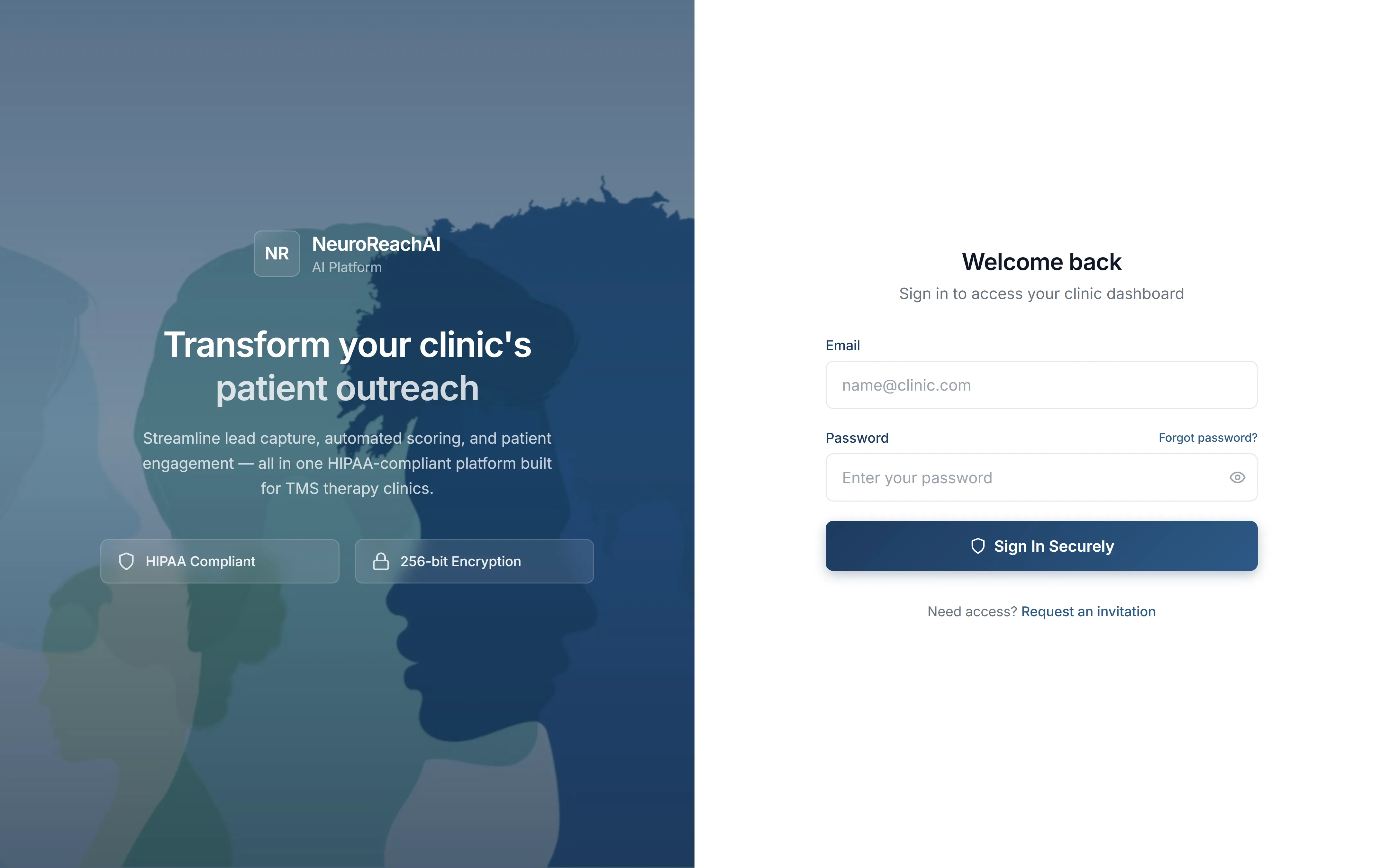
The NeuroReachAI sign-in screen

Illustration: example activity notifications, such as a new lead arriving and a consult being booked, appear around the sign-in screen. They are examples, not real clinic data.

How it works

Every lead source in. The right next step out.

NeuroReachAI connects the places your leads already come from, prioritizes each one as it lands, and puts the next step one click away.

Lead sources

  1. Website widget 11-step TMS assessment on your site
  2. JotForm Your existing forms, connected
  3. Google Ads Lead-form submissions with click IDs
  4. Provider referrals Matched to your provider directory
  5. Phone & walk-ins Logged by your team in seconds

NeuroReachAI

Every inquiry, the moment it lands:

  1. Prioritized Hot, Medium or Low, or sent to triage
  2. Duplicate submissions caught
  3. Confirmation email sent
  4. Routed to the right work queue

One click away

  1. Call via 3CX Click to call from the lead
  2. AI-drafted email AI Written for the patient’s stage
  3. Text templates Sent right from the lead
  4. Follow-up scheduled Each call outcome sets a due date
  5. Reporting Sources, campaigns and CallRail calls

What changes

Less chasing. More consults.

What clinics notice once NeuroReachAI is running at the front desk.

  • A hand dials a desk phone on a light wooden desk

    Called back in 4 min

    Faster first contact

    New inquiries surface instantly, so your team calls back while interest is high.

  • A hand writes in a planner beside a laptop on a sunlit desk

    Next best call ready

    Focus where it counts

    Your team knows who to call first and what to say, without sorting through forms.

  • An empty, sunlit waiting area with armchairs and small vases of flowers

    Consult booked

    No one slips through

    Every inquiry stays on your team’s radar until it’s resolved, from every source.

  • A hand with a pencil marks up printed charts beside a laptop

    Top source Google Ads

    Clear on what works

    See which sources turn into consults and treatment, so you invest in what works.

What you’ll see in your demo

A 30-minute walkthrough, shaped around your clinic.

  • Your own lead sources, and how they come together in one place
  • How your coordinators’ day gets simpler from the first call
  • Where your consults are really coming from
See it live

Your AI team

Three engines that keep every lead moving.

One ranks every assessment the moment it’s completed. Two AI agents help your coordinators follow up. Your team stays in control of every message.

Automation

TMS Priority Engine

Scores every completed assessment on 8 TMS factors.

Hot, Medium or Low before the first call.

  • Condition, severity, prior treatment, insurance and more
  • Re-scored when your team updates an answer
  • Ad leads ranked by urgency; incomplete forms go to triage

AI agent

AI Recommended Emails

Drafts the next email for each patient’s stage.

The right message, ready to review and send.

  • Adapts to the stage and the last call outcome
  • Acknowledges the referring provider
  • Editable, and sent only when your coordinator clicks Send
AI agent

AI Insights

Briefs your team on pipeline health and where to focus.

Coordinators know what to work on today.

  • Checked every 15 minutes, rewritten when your numbers change
  • Recommendations, outreach scripts and best time to call
  • Coordinator performance and expansion signals

Automation behind every lead

  • Instant confirmation

    A confirmation email to every new inquiry

  • Hot-lead alerts

    A chime for new leads, the bell for hot ones

  • Auto-routing

    Each call outcome sets the next queue and due date

  • Daily digest

    A 7 am summary of the last 24 hours, by priority

AI drafts are reviewed by your team before sending. AI Insights works from aggregate pipeline numbers, not patient records.

Features

Hands typing on a smartphone in soft daylight

TMS assessment

Qualify patients before the first call.

Add the 11-step TMS assessment to your website with one line of code. It asks what an experienced intake coordinator would: PHQ-2 and GAD-2 screens, OCD and PTSD questions, prior treatments, insurance, location and urgency. Your team gets a scored, ready-to-call lead.

11 steps, one score. Ready for your team the moment it’s submitted.

A calm, empty clinic room with a treatment couch and a desk

From consult to first session

Turn every “yes” into a first session.

Track each consult through to treatment started: record the treatment decision, book the motor-threshold appointment, note insurance and other waits, and route missed consults straight back for re-booking.

  • Consult outcomes and no-show reasons
  • Treatment decision, with decline reasons
  • Motor threshold booked → treatment started

Reporting & campaigns

See which sources and campaigns convert.

Follow lead volume over time by channel, your best-performing platform, and campaign performance through to conversion. Export treatment starts with their Google click IDs to upload to Google Ads, so bidding learns from patients, not form fills.

  • Lead volume over time, by channel
  • Best-performing platform and hot leads by platform
  • Campaign performance through to conversion
  • Google Ads conversion export (CSV)
  • Monthly Excel report with treatment starts by channel
  • CallRail call analytics: first-time callers, missed calls, sources

Referrals and documents

Referrals & providers

Referrals in. Relationships kept.

Referring providers are captured in the assessment or logged by your team, matched to your provider directory (or added for verification), and tracked by referral count and conversion. Email a provider right from their record, with every note kept on their profile.

  • Provider directory with status and NPI
  • Referral counts and conversion per provider
  • Notes history and email from the record

Lead documents

Every document, on the lead it belongs to.

Referral letters, insurance cards and records (PDF, Word, Excel or images up to 25 MB) dropped straight onto the lead, next to its notes and history.

  • Drag-and-drop upload
  • Notes and outcomes on one timeline
  • Role-based access to every lead

Why NeuroReachAI

Your whole intake workflow, in one place.

What changes when your coordinators move from a shared sheet and inbox to NeuroReachAI.

Capture

New leads
Arrive automatically Widget, JotForm, Google Ads and referrals
With a spreadsheet: Copied in by hand

Prioritize

Who to call first
Hot, Medium or Low on arrival Assessments scored on 8 TMS factors
With a spreadsheet: Sorted by date

Follow up

Calls & messages
Call, email and text from the lead Click-to-call through 3CX
With a spreadsheet: Separate phone and apps
What to write
AI-drafted for each stage Reviewed and sent by your team
With a spreadsheet: Written from scratch
The next step
Routed with a due date Set by each call outcome
With a spreadsheet: Tracked from memory

Measure

Where to focus
An AI briefing, always current Pipeline health, alerts and coaching
With a spreadsheet: A report built by hand
What’s working
Source and campaign conversion Plus Google Ads conversion export
With a spreadsheet: A hand-typed source column

Protect

Patient details
Role-based access Encrypted contact details and an audit log
With a spreadsheet: A shared link

Integrations

Connects to the tools you already use.

  • 3CX

    Click-to-call

  • CallRail

    Call analytics

  • Google Ads

    Lead forms & conversion export

  • JotForm

    Form intake

  • Website widget

    TMS assessment

  • Secure email

    To patients & providers

  • SMS

    Text templates

Using something else? Ask us in your demo.

Security & privacy

Built for the sensitivity of mental-health inquiries.

Inquiries about depression, anxiety and OCD deserve more care than a shared inbox. NeuroReachAI is designed around that from the start.

Read our security overview
  • Role-based access

    Four roles, from primary admin to specialist, control who can edit leads, restore deleted records and manage users.

  • Encrypted contact details

    Patient names, emails and phone numbers are encrypted at the field level in the database.

  • Audit log

    Lead views, changes, messages and exports are written to a timestamped audit log.

  • AI with guardrails

    Your team reviews every AI email before it’s sent. Briefings use aggregate pipeline data.

FAQ

Questions clinics ask us.

What do the AI agents do?

AI Recommended Emails drafts a personalized email for each lead based on where they are in the journey; your coordinator reviews, edits and sends it, and nothing is sent automatically. AI Insights briefs your team on pipeline health, what needs attention, the best time to reach patients, outreach scripts and coordinator performance.

How are leads prioritized?

Website assessments are scored instantly by the TMS Priority Engine, a transparent set of rules across 8 TMS factors such as condition, severity, prior treatment, insurance and location. Google Ads lead-form leads are ranked by how soon they want to start, and form leads without enough detail are set aside for your team to review.

Does the AI see patient records?

AI Insights works from aggregate numbers, not patient records. To personalize an email draft, the AI uses details such as the patient’s first name, condition, insurance and stage in the journey. We’ll walk your compliance team through the data flow on your demo.

Which tools does it connect to?

Our TMS assessment widget for your website, JotForm forms, Google Ads lead forms and provider referrals, plus manual entry for phone calls and walk-ins. Calls are placed through 3CX click-to-call, CallRail call analytics sit alongside your lead reports, and treatment starts can be exported for Google Ads.

Does it replace our EHR?

No. NeuroReachAI handles everything before someone becomes a patient: the inquiry, qualification, follow-up and consult, through to treatment started. Your EHR takes over from there.

What does it cost?

Pricing depends on your lead volume and setup. We’ll walk you through it in the demo.

See NeuroReachAI live in a 30-minute demo.

We’ll walk you through NeuroReachAI live with a demo clinic, from the first lead to treatment started, and answer every question.

Book a demo

See NeuroReachAI on a real TMS pipeline

A 30-minute live walkthrough, tailored to your lead sources.

Please don’t include any patient information. We only need details about your clinic.

Current lead sources